

You can redeem coins for gift cards through the app, with the process happening entirely inside it. Open the app, tap your wallet or rewards screen, and check your current coin balance against the redemption catalog. Most redemptions clear within a few minutes to a couple of business days, though minimums and coin type can change that timeline.
TL;DR:
- Coins earned through tournament drafts generally have a lower or no expiry date, making them better to spend first before using purchased coins.
- Processing times can vary from a few minutes for instant codes to up to two business days for manual reviews, especially for first-time redemptions involving identity verification.
- Redemptions often require reaching a minimum coin threshold, and failing to meet it will prevent the request from submitting successfully.
- Confirm your transaction with a screenshot and save the confirmation dialog or email receipt to facilitate dispute resolution if issues arise.
- Redeeming during major tournaments or promotional periods can yield increased value due to temporary boosts in the reward catalog or special offers.
Table of Contents
- How to Redeem Coins for Gift Cards, Step by Step
- What Gift Cards and Rewards Are Available
- Eligibility, Limits, and Processing Times
- What Confirmation and Proof of Redemption Look Like
- Fixing Redemption Problems and When to Contact Support
- Getting the Most Value Out of Your Coins
- Why Redemptions Work Better When You're Actually Watching Tennis
- Ready to Check Your Coin Balance?
- Sources
- FAQ
How to Redeem Coins for Gift Cards, Step by Step
The redemption flow inside Tweener is built to feel less like a checkout page and more like closing out a winning fantasy lineup. Here's exactly what happens once you decide to cash in.
- Open the app and head to your wallet. Tap the wallet or rewards icon on the main navigation bar. This shows your live coin balance, pulled straight from your fantasy tennis activity.
- Select "Redeem" or "Gift Cards." This opens the reward catalog, sorted by brand and denomination.
- Pick a brand and denomination. Choose the card value you want, confirm the coin cost shown next to it, and enter or confirm the email or account where the reward should land.
- Submit the redemption. You'll see either an immediate fulfillment (a code delivered on screen) or a pending status if the request needs a short review window.
- Watch for the balance update. Your coin total should drop right away, and a confirmation marker should appear either as a pop-up dialog or a line item in your transaction history.
That last step matters more than it looks. Reward delivery should come with a visible confirmation, whether that's an animated balance change or an explicit dialog naming the card and amount, according to Android Developers' guidance on one-time item delivery. If Tweener's screen goes quiet after you tap submit with no balance change and no pending marker, that's your signal something didn't process correctly rather than something to wait out.
If you've earned coins through drafting winning lineups during tennis tournaments, this is the exact screen where that grind turns into something you can actually spend.
What Gift Cards and Rewards Are Available
The reward catalog leans toward brands fans already use, avoiding obscure niche retailers. Expect a mix built for everyday spending:
- Major retailers covering general shopping, useful if you want flexibility over a specific purchase.
- Digital storefronts for gaming, streaming, or app credits, popular among fans who watch matches on mobile.
- Restaurant and food delivery cards, often the fastest movers during binge-watching stretches of a Slam.
Denominations typically start small and scale up, so a modest coin balance from one tournament weekend can usually get you into the lowest tier without waiting for a bigger haul. The exact coin-to-dollar rate varies by card and by promotional period, so treat any specific ratio as a moving target rather than a fixed rule.
That's also where timing pays off. Reward catalogs commonly run promotional windows tied to live events, and some platforms boost redemption value temporarily around big sporting calendar moments. If you've been sitting on a coin pile since the Australian Open, checking the catalog right before a major tournament kicks off is a smart habit, since that's often when brand-specific boosts show up.
Eligibility, Limits, and Processing Times
Most reward catalogs set a minimum coin threshold before a redemption request goes through. Trying to cash out a tiny balance before you hit that floor just won't submit, so check the minimum listed next to each card before you start tapping through the flow.
Processing windows vary, but plan for anywhere from a few minutes for instant digital codes to a couple of business days for anything requiring manual review. There's an important distinction buried in most reward economies: earned coins and purchased coins often don't behave the same way. Platforms commonly separate these into different ledger classes, sometimes called "hard grants" for purchases and "soft grants" for promotional or earned credits, and apply different redemption rules or expiry windows to each, per best practices for managing entitlements and virtual currencies.

First-time redemptions on some reward platforms also trigger identity verification, which can add a delay of up to two days before your first cash-out clears, based on documented KYC timelines from comparable reward platforms. The app's own in-app terms take precedence over any general industry pattern, so always check the specific rules shown on your redemption screen before assuming a delay is normal.
What Confirmation and Proof of Redemption Look Like
You should see a confirmation dialog the moment your redemption processes, and it should stay on screen for at least a few seconds or until you tap through it, not disappear the instant you glance away, per Android's guidance on delivering one-time items.
Pro Tip: Screenshot the confirmation screen and save any email receipt the moment you get it. If a redemption glitches later, that screenshot with a timestamp and transaction ID is the fastest way to prove what happened.
An immutable transaction ledger, one that logs every coin grant and spend without letting entries get overwritten, is what makes disputes resolvable in the first place. Treat your Tweener wallet the way you'd treat a bank statement: the receipt is your proof, not an afterthought.

Fixing Redemption Problems and When to Contact Support
Most redemption hiccups trace back to something simple, not a broken system. Before you assume the worst, run through this list:
- Confirm the email or account tied to your redemption is spelled correctly.
- Check your coin balance actually cleared the minimum threshold for that card.
- Look for a pending status rather than assuming a stalled screen means failure.
- Update the app if you're running an old version, since redemption bugs often get patched quietly.
A short pending window is normal, especially for higher-value cards or first-time redemptions needing verification. What's not normal is a redemption that vanishes with no pending marker, no code, and no balance change days later.
Pro Tip: When you contact support, lead with your transaction ID, a screenshot of the confirmation (or lack of one), and the exact timestamp of your redemption. Support tickets with that evidence attached get resolved faster than vague "it didn't work" messages.
Sticking to the official catalog instead of any third-party coin marketplace also matters here. Official redemption catalogs carry far less fraud and dispute risk than peer-to-peer resale of codes or accounts, and support can only help you if the transaction lives inside Tweener's own ledger.
Getting the Most Value Out of Your Coins
Coins aren't all created equal, and treating them that way is how fans leave value on the table. A few habits that actually pay off:
- Spend promotional or earned coins first if they carry an expiry date. Platforms commonly attach expiry windows to granted credits, so sitting on them is a losing bet.
- Hold purchased coins longer if they don't expire, since there's no rush to redeem those.
- Check the catalog around Grand Slam season, when brand boosts and promo windows tend to cluster.
- Combine smaller leftover balances into one redemption instead of letting small amounts sit unused, unless a lower-denomination card actually fits your balance better.
Small, consistent coin earners from weekly fantasy contests add up faster across a full tour season than most fans expect.
Why Redemptions Work Better When You're Actually Watching Tennis
Reward systems only feel worth the effort when they're tied to something you already care about. Coin balances that spike during a Slam and get cashed out as gift cards before the next tournament starts feel earned, not incidental. That's the difference between a rewards program bolted onto an app and one built around actual fandom.
The ledger and confirmation behavior matter more than most fans realize until something goes wrong once. A clean transaction history is what turns "I think I redeemed that" into "here's my proof." For strategy on stretching coin balances further, the reward systems breakdown on Tweener's blog is worth a read before your next big tournament run.
— Nathan
Ready to Check Your Coin Balance?
This fantasy tennis app is built for fans who'd rather draft a lineup based on surface stats and head-to-head history than guess on a betting line. If you've already got coins sitting in your account from a free-mode league, they're redeemable for gift cards right now, no separate loyalty program or points conversion required.
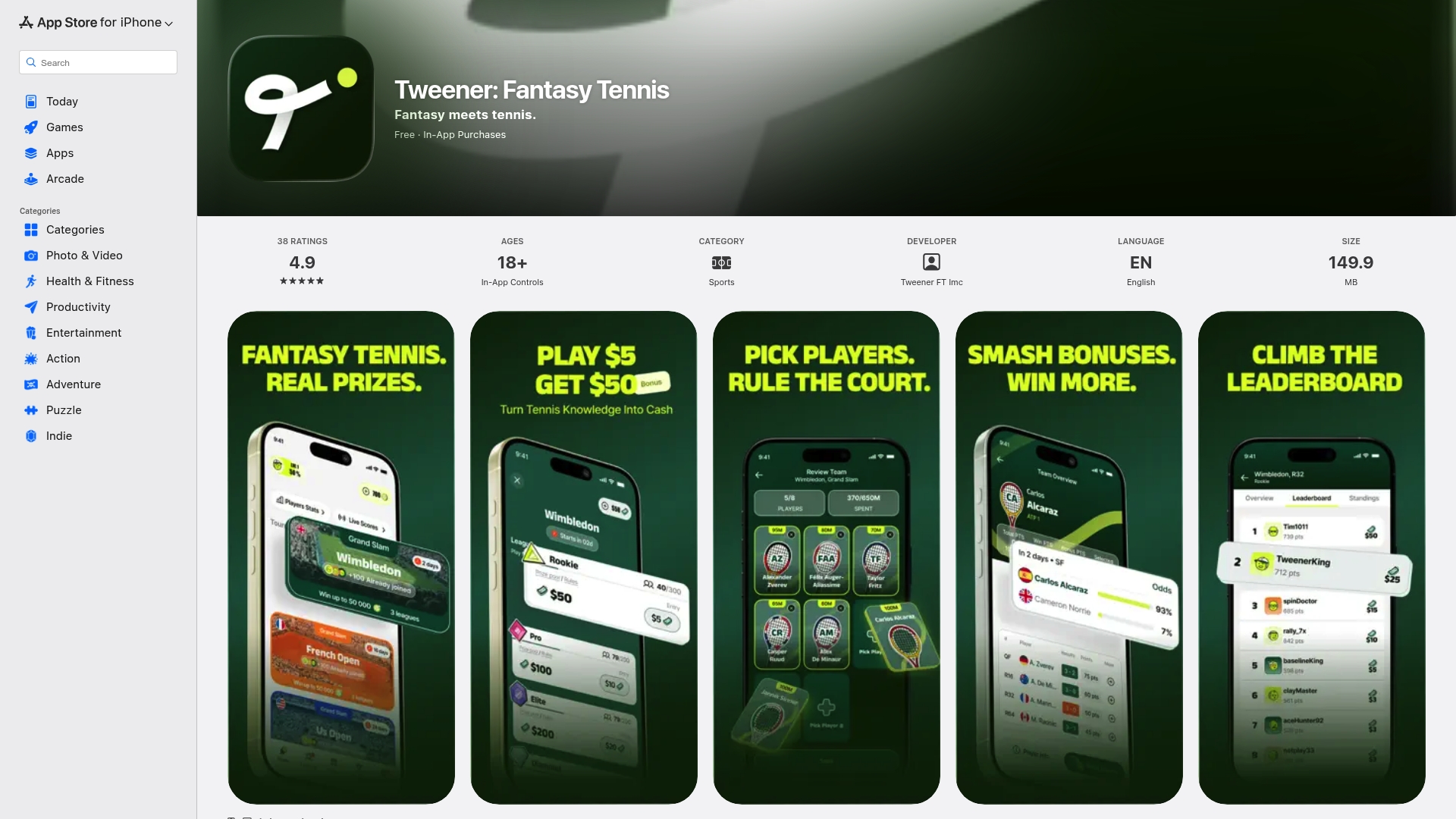
Every coin you've earned drafting winners during the ATP or WTA season is sitting in your wallet, waiting on the redemption screen. Open the Tweener app, tap into your rewards catalog, and see what your balance qualifies for before the next tournament's promo window closes.
Sources
For deeper technical detail, see Android Developers' one-time item guidance and entitlement and virtual currency management practices. For broader sports-app promotional context, Manny's Variety Picks covers related reward and prediction trends.
- Detect and deliver one-time items | Android Developers
- Understand managing Entitlements and Virtual Currencies
- Monetize app virtual currencies | Adapty
- Convert In-Game Currency to Gift Cards Safely
FAQ
Can I Redeem Tweener Coins for Gift Cards?
Yes. Coins earned in Tweener's free mode are redeemable through the app's rewards catalog for gift cards and other prizes, provided your balance meets the minimum threshold shown on the redemption screen.
How Long Does a Coin Redemption Take?
Processing ranges from a few minutes for instant digital codes to a couple of business days for redemptions that require review, and first-time redemptions may take an extra 24 to 48 hours if identity verification applies.
Do Earned and Purchased Coins Redeem the Same Way?
Not always. Platforms often separate earned or promotional coins from purchased coins into different ledger classes, which can carry different expiry rules or redemption eligibility.
What Should I Do if My Redemption Fails?
Check your account email, confirm your balance cleared the minimum, and look for a pending status before assuming an error, then contact support with your transaction ID, a screenshot, and the exact timestamp.
What Proof Should I Keep After Redeeming?
Save the in-app confirmation dialog, any email receipt, and your transaction ID, since these details speed up any dispute resolution if something goes wrong later.